
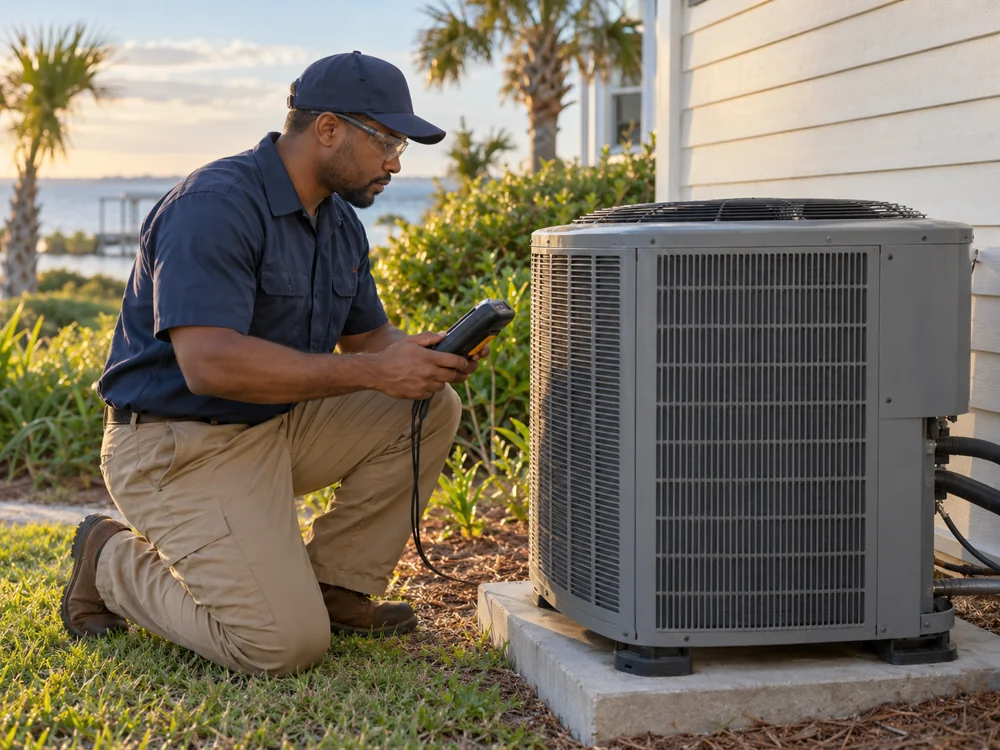
Start with the work around the service call.
A technician may be on a roof or in an equipment room when a new inquiry arrives. A website can collect the customer’s town, contact details, system type and description of the problem. An automation can alert the office. An AI assistant can turn the request into a short summary for staff to review.
These are different jobs. The form collects information, automation moves it, and AI helps interpret or draft text. You may only need the first two. We decide that after looking at your process.
Five useful applications for an HVAC company
- Service intake: organize customer descriptions and flag missing information before the callback.
- Office knowledge: help staff find approved service-area, maintenance-plan and scheduling information.
- Estimate follow-up: draft a polite reminder for staff to review after an estimate is sent.
- Maintenance reminders: prepare messages from a schedule and customer permission records.
- Website answers: explain your actual services and direct visitors toward an inquiry.
Example: a Gulf Coast service inquiry
A customer in Gulfport submits “upstairs isn’t cooling.” The intake asks for the service address, equipment type if known, preferred callback time and whether they are an existing customer. Staff receives a summary with the original wording attached. A team member reviews it, calls back and decides what happens next.
The system should not diagnose the fault, promise an arrival time or quote a repair price from that sentence. Those decisions need your process and your staff. This is an illustrative workflow, not a customer result.
What should you have ready?
Bring your service area, business hours, after-hours process, list of offered services, current calendar or job-management tools and a few anonymized inquiry examples. Decide who owns unanswered requests and what happens if an integration stops working.
For Gulf Coast companies, be precise about the towns and travel limits you actually cover. A page naming every Mississippi town will not solve a dispatch boundary.
How to choose your first AI project
- Track a week of inquiries and note where information gets lost.
- Choose one repeated step, such as preparing a callback summary.
- Write the approved answer sources and the situations that need a human.
- Test with normal, incomplete, out-of-area and urgent requests.
- Compare response time, missing details and staff corrections before expanding.
Common questions
Do I need to replace my current software?
Not necessarily. We first check what your current tools can connect to and what your subscription permits. A small form and notification workflow may be enough.
Can AI handle emergency calls?
It should not independently assess safety or promise emergency service. Use an explicit, staff-approved escalation process and make human contact options clear.
How much does an HVAC AI setup cost?
Scope, integrations, ongoing provider usage and support determine the price. We discuss those before quoting; there is no one-price promise on this page.
Try a practical first step
Use our HVAC service-request intake guide to map your form, or our maintenance follow-up guide to organize repeat visits.